BELKA VPN pour PlayStation
Smart DNS pour PlayStation
 Accès sécurisé à vos contenus préférésLiberté sur internetGarantie satisfait ou remboursé de 30 jours
Comment configurer un BELKA VPN sur PlayStation
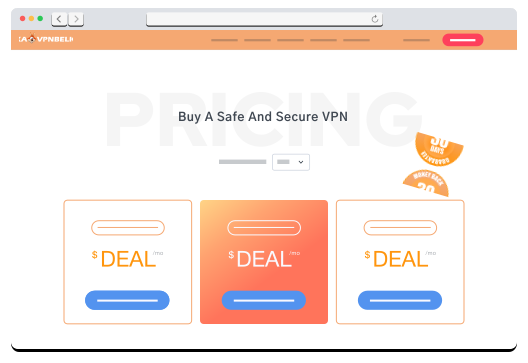

| ÉTAPE 1 Créez un compte BELKA VPN si vous êtes nouveau, ou connectez-vous si vous êtes déjà membre. |
| ÉTAPE 2 Dans votre tableau de bord, sélectionnez l'onglet SmartDNS, puis choisissez PlayStation et la localisation, puis cliquez sur « Afficher la configuration » |
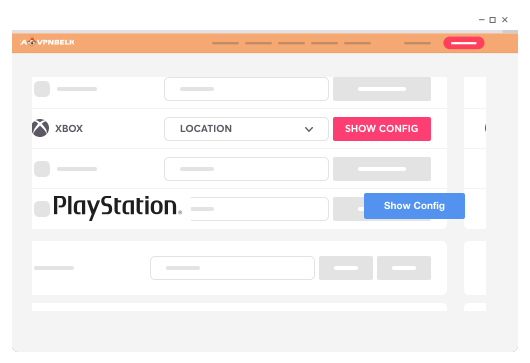

| ÉTAPE 3 Configurez votre PlayStation et profitez-en ! Commencez à naviguer avec la protection du VPN |
FONCTIONNALITÉS
Quelles fonctionnalités sont incluses dans toutes les formules ?
 1600 serveurs dans le monde entier
 Protection contre les fuites d'IP
 Protocoles VPN sécurisés
 Meilleure protection de la confidentialité
 Strictement aucun log
 Applications pour tous les appareils
 Chiffrement AES-256 robuste
 Kill switch automatique
 Vitesse maximale possible
 Assistance client 24/7
 Changement de serveur illimité
 Split Tunneling