BELKA VPN for Mac
Access your favorite content instantly
 Stay protected on public Wi-FiEasily hide your IP30-day money-back guarantee
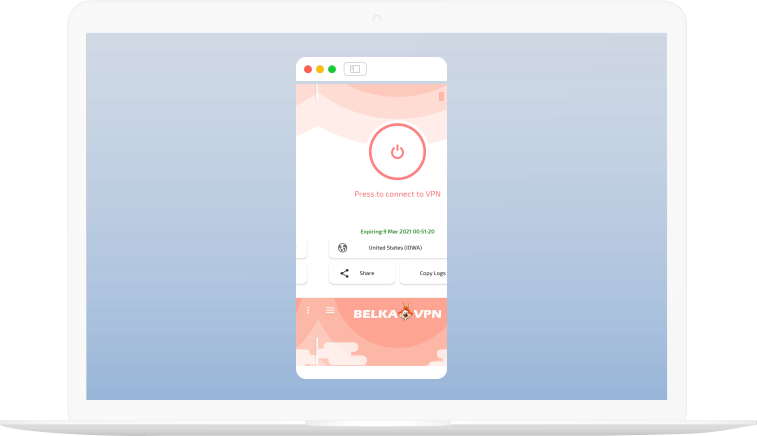
How to set up a BELKA VPN on Mac

STEP 1
Create a BELKA VPN account if you’re new, or log in if you’re already a member.
STEP 2
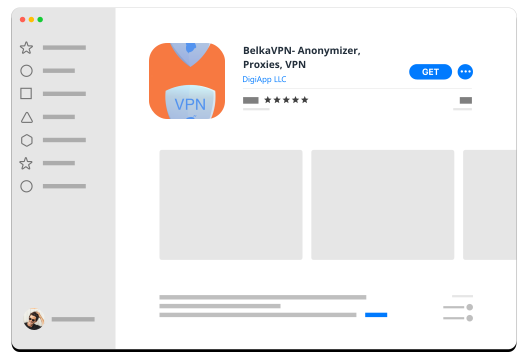
Download BELKA VPN from App Store
STEP 3
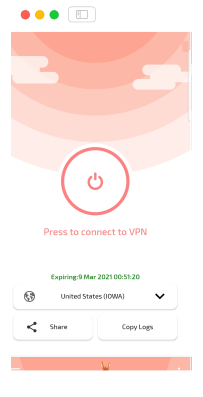
Sign in, and enjoy! Secure internet is at your fingertips.
FEATURES
What Features are included in all plans?
 1600 Worldwide servers
 IP leak protection
 Secure VPN protocols
 Best privacy protection
 Strictly no logs
 Apps for all devices
 Strong AES-256 encryption
 Automatic kill switch
 Highest possible speed
 24/7 customer support
 Unlimited server switching
 Split Tunneling
Get BELKA VPN for Mac