Get BELKA VPN for Apple TV
the ultimate solution for Apple TV
 Internet freedom on your Apple TV deviceProtect your identity online30-day money-back guarantee
How to set up a BELKA VPN on Apple TV
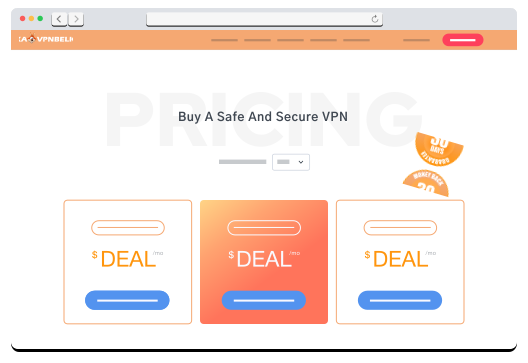

| STEP 1 Create a BELKA VPN account if you’re new, or log in if you’re already a member. |
| STEP 2 In your dashboard, select SmartDNS tab then select AppleTV and the location then click “Show config”. |
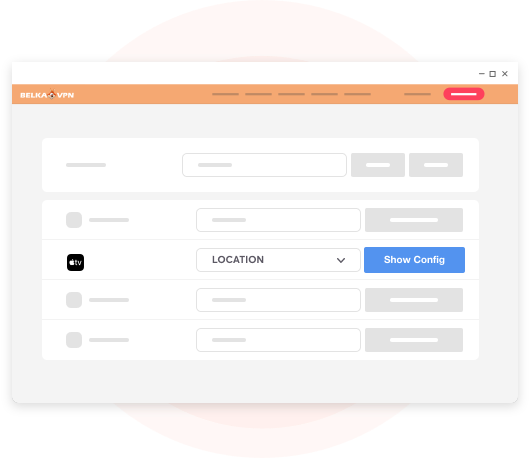
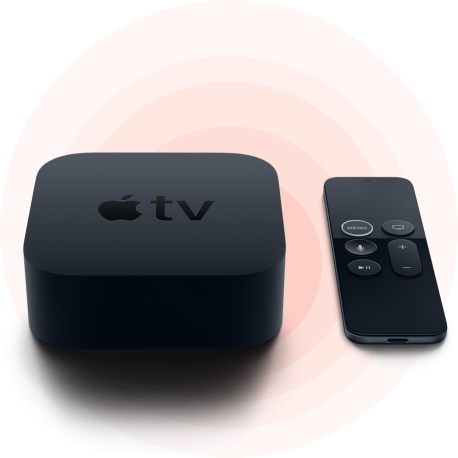
| STEP 3 Configure your Apple TV using the desired SmartDNS server location. |
FEATURES
What Features are included in all plans?
 1600 Worldwide servers
 IP leak protection
 Secure VPN protocols
 Best privacy protection
 Strictly no logs
 Apps for all devices
 Strong AES-256 encryption
 Automatic kill switch
 Highest possible speed
 24/7 customer support
 Unlimited server switching
 Split Tunneling